

Audience questions are not a test you have to survive after your presentation. They are a live opportunity to clarify your message, demonstrate sound judgment, and discover what your listeners care about most.
The strongest presenters do not try to predict every possible question. Instead, they prepare likely topics, listen carefully, organize their responses, and stay composed when a question is challenging or unexpected. This guide explains a practical system you can use before, during, and after any presentation Q&A session.
Why Audience Questions Matter
A Q&A session changes a presentation from a one-way speech into a two-way conversation. A question may show that an audience member wants clarification, is testing an assumption, is considering an application, or sees an implication you did not address directly.
Questions also provide useful feedback. Repeated questions can reveal where your slides or explanation were unclear. Detailed questions may indicate that the audience is ready for a deeper discussion. Skeptical questions can expose concerns that must be addressed before people will support your recommendation.
Because Q&A often occurs near the end of a presentation, it can strongly influence the audience's final impression. The serial-position effect describes the tendency to remember information at the beginning and end of a sequence particularly well. Whether or not Q&A is the final element, it deserves the same preparation as your opening and closing.
1. Build a Question Map Before You Present
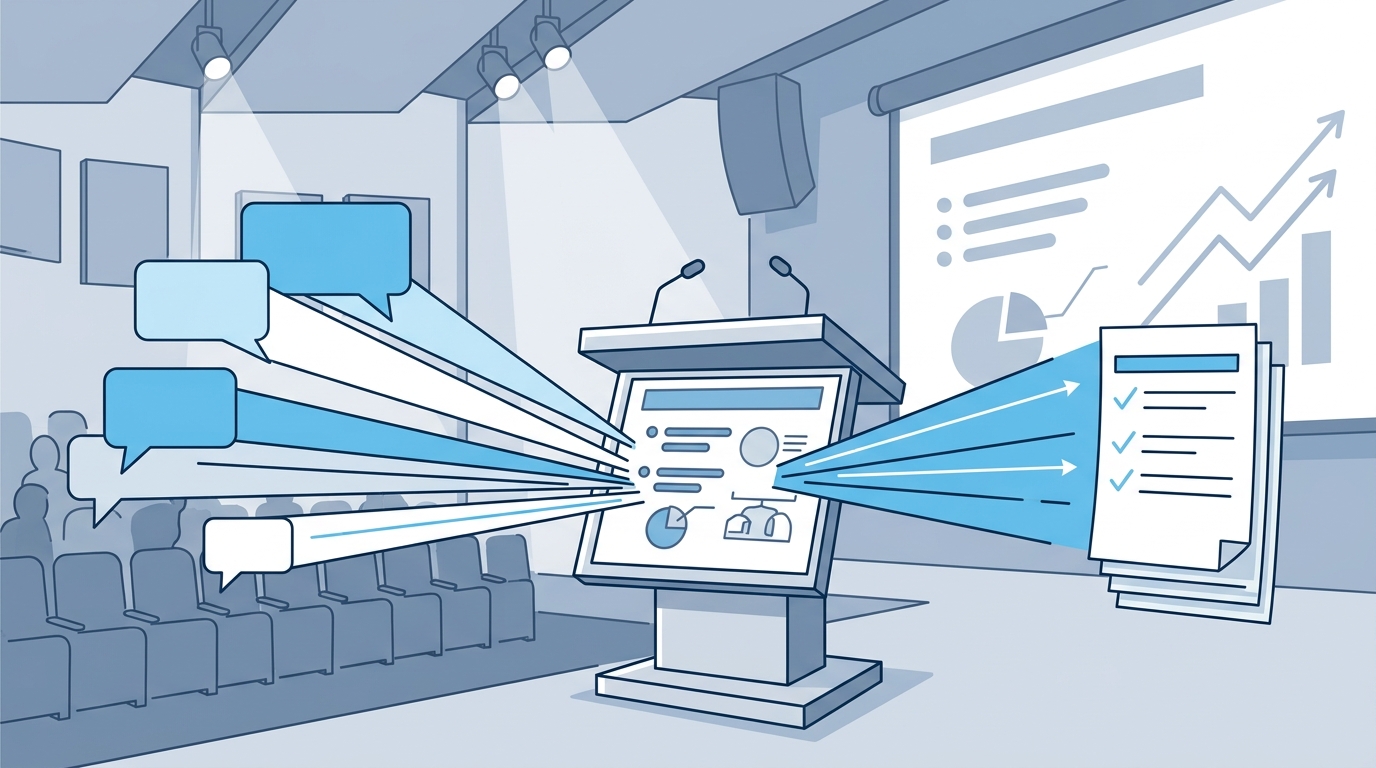
The most reliable way to reduce Q&A anxiety is to prepare for categories of questions rather than attempting to write an answer for every possible wording. Start by reviewing your presentation from the audience's point of view.
Mark the natural question points
Look for places where listeners are likely to ask:
- Why? They want the reasoning behind your recommendation.
- How? They need to understand implementation, process, or next steps.
- What about? They are testing exceptions, risks, or alternative scenarios.
- Compared with what? They want to evaluate options, costs, or trade-offs.
- What is the evidence? They need confidence in your data or conclusion.
Pay particular attention to slides where you simplified a complex issue, moved quickly, used unfamiliar terminology, or made a claim without showing all of the supporting evidence. Those are likely sources of follow-up questions.
Prepare a short answer bank
For each likely question, write a response in three layers:
- One-sentence answer: the conclusion you want the audience to remember.
- One supporting reason: a data point, example, principle, or explanation.
- One implication: what the answer means for the audience or decision at hand.
This preparation is more useful than memorizing paragraphs. Deliberate practice can improve both content and delivery; the Effective Presentations guide on refining your presentation skills offers additional ways to make practice more targeted.
Use a rehearsal partner
Ask a colleague to challenge your assumptions and interrupt your rehearsal with realistic questions. Give the person permission to ask about budget, timing, feasibility, risks, stakeholder impact, and opposing viewpoints. Practice answering without immediately looking at your slides.
2. Set the Rules Before Questions Begin
A well-managed Q&A starts with clear expectations. Before inviting questions, explain how much time is available and how you will take questions. For example:
“We have about ten minutes for questions. Please raise your hand, and I will take one question at a time. I may group similar questions together so we can cover more ground.”
If the session is large, explain whether people should use a microphone. In a virtual meeting, identify whether questions should go in the chat, Q&A panel, or raise-hand queue. These small instructions prevent avoidable interruptions and make participation easier.
When opening the floor, ask, “What questions do you have?” rather than “Are there any questions?” The first wording assumes that questions are welcome and creates a more direct invitation to participate.
If the audience is quiet, give them a moment instead of filling the silence immediately. You can also offer a prompt such as, “Which part of the implementation would you like me to clarify?” or briefly mention a question that commonly arises in similar discussions. Audience engagement techniques, including purposeful questions and participation prompts, are also covered in Effective Presentations' resource on engaging your audience.
3. Listen Completely Before You Answer
Many weak answers begin before the question is finished. The presenter hears the first few words, assumes the direction, and starts responding mentally. That can cause you to miss the actual concern.
Instead, use this listening sequence:
- Face the questioner. Maintain natural eye contact and give the person your full attention.
- Let the question finish. Do not interrupt simply because you think you know where it is going.
- Pause briefly. A one- or two-second pause helps you select the most useful response.
- Restate or clarify. Repeat the question in a concise form, especially if the room is large or the question is complicated.
- Answer the actual question. Avoid using the question as an excuse to deliver an unrelated speech.
For example, say, “If I understand correctly, you are asking how the proposal affects the implementation timeline—is that right?” This confirms your interpretation and gives the questioner a chance to correct it. It also ensures the rest of the audience hears the question. For a deeper explanation of this skill, see the power of active listening.
4. Choose an Answer Structure That Fits the Question
Concise answers sound more confident because they have a clear destination. A useful default is to acknowledge the question, state the answer, support it, and connect it back to the presentation's purpose.
| Framework | Formula | Best use | Example opening |
|---|---|---|---|
| Direct answer | Answer → reason → implication | Simple factual or practical questions | “Yes. The main reason is…” |
| Clarify and answer | Restate → confirm → respond | Ambiguous or multi-part questions | “Are you asking about the cost during the first year?” |
| Bridge | Acknowledge → connect to central message | Off-topic or potentially distracting questions | “That is related to the broader issue of…” |
| Defer and follow up | Appreciate → state limitation → commit | Questions requiring research or confidential detail | “I do not want to speculate; I will verify that and follow up.” |
| Example or story | Situation → lesson → direct answer | Complex, abstract, or emotionally important questions | “A recent example makes this clearer…” |
Use the headline-first method
Lead with your conclusion, not the background. Instead of taking two minutes to build toward your answer, begin with the point the audience needs:
“The short answer is that we should pilot the program with one team first. That limits risk, gives us measurable results, and lets us adjust before scaling.”
If the audience needs more detail, add it after the headline. This approach helps listeners follow your reasoning and prevents you from losing the main point.
A brief story can be useful when the question involves human behavior, a difficult decision, or an abstract concept. Keep the story short and make its connection explicit. The guide to storytelling in business explains how narrative can make important information easier to remember.
5. Stay Constructive With Difficult, Hostile, or Off-Topic Questions
A difficult question does not require a defensive answer. First identify what kind of difficulty you are facing, then select the appropriate response.
When the question challenges your data
Thank the person for raising the issue and separate the evidence from the tone. If you have the source, cite it accurately. If the challenge identifies a limitation, acknowledge it rather than pretending the data is stronger than it is.
You might say, “That is an important distinction. The figure I used comes from the 2025 internal survey, and it reflects respondents in the pilot group, not the entire organization. We should not generalize it beyond that population.”
This response protects credibility because it demonstrates precision and openness instead of defensiveness.
When the question is hostile
Do not mirror the hostility. Lower your pace, keep your voice even, and answer the substantive issue if there is one. If the question contains a personal accusation, redirect it to the decision, evidence, or audience need.
For example: “I hear your concern about the cost. The decision is based on the expected reduction in processing time, and I can walk through those assumptions.”
When the question is off topic
Use a bridge to acknowledge the contribution without allowing it to take over the session:
- “That is a worthwhile topic, but it is outside today's scope.”
- “The connection is the implementation risk; for today's decision, the key point is…”
- “I would be glad to discuss that afterward so we can stay focused on the proposal.”
When a comment is presented as a question
Some participants make a long statement and never reach a clear question. Acknowledge the central idea, summarize the relevant point, and move forward. You can say, “The concern I hear is whether the change will create additional work. The short answer is that the first phase is designed to reduce that burden.”
6. Use Pauses and Body Language to Project Composure
Q&A is judged through both words and behavior. Stand or sit with an open posture, turn toward the person speaking, and avoid looking down at your notes while the question is being asked. When answering, include the broader room with your eye contact rather than speaking only to one person.
A deliberate pause is not a failure to respond. It gives you time to choose a precise answer, reduces filler words, and signals that you are taking the question seriously. A calm pause is especially valuable after a challenging question.
Use gestures to reinforce structure, not to compensate for uncertainty. For example, one gesture can mark the first reason and another can mark the next step. Avoid excessive movement, paper shuffling, repeated pacing, or glancing anxiously at the screen. More guidance is available in how to use gestures effectively.
7. Respond Honestly When You Do Not Know
You are not expected to know everything. Guessing, bluffing, or presenting an uncertain claim as fact can cause more damage than acknowledging a knowledge gap.
A professional response has four parts:
- Thank the person for the question.
- State clearly what you do and do not know.
- Explain what you will verify, if appropriate.
- Commit to a specific follow-up method or time.
Try: “I do not have that figure with me, and I do not want to give you an inaccurate number. I will verify it with the finance team and send it to you by Friday.”
Write down the question and the person's name or contact information. Then follow through. A promise to respond is only useful if you keep it. For additional techniques for maintaining poise under pressure, review how to speak confidently.
8. Control the Flow Without Controlling the Conversation
The presenter remains responsible for pace, fairness, and time. If several people raise their hands, establish an order: “I will take the person in the front row first, then the person near the aisle, and then the question in the chat.”
After answering, signal the transition with a concise phrase such as “Let us take the next question.” If one person continues with multiple follow-ups, say, “I want to make sure we hear from others, so let us take one final point from you and then move on.”
Set a time boundary before the session ends. When time is nearly over, answer one final question and close with a prepared summary or call to action. Do not allow an unpredictable final question to become the last thing the audience remembers.
9. Adapt These Techniques for Virtual Presentations
Virtual Q&A adds technical and attention challenges. Tell participants where to submit questions, monitor the chat or Q&A panel without staring at it continuously, and repeat questions that arrive in writing so everyone can follow the discussion.
For a large online audience, group similar questions and answer the common issue once. If a question requires private or sensitive information, explain that you will follow up separately. Keep your answers especially focused because online listeners may be multitasking or experiencing audio delays.
Key Takeaways
- Prepare a question map by reviewing gaps, assumptions, risks, evidence, and implementation details in your presentation.
- Invite questions with clear instructions and use prompts that make participation easier.
- Listen to the entire question before responding.
- Restate complex questions so the speaker and the room share the same understanding.
- Lead with the answer, then provide only the supporting detail the audience needs.
- Use bridging to manage off-topic questions without dismissing the person who asked.
- Respond to challenges with evidence and composure rather than defensiveness.
- Pause before answering to improve clarity and reduce filler words.
- Admit when you do not know, document the question, and follow up as promised.
- End Q&A with a concise closing message instead of letting the final question define your presentation.
Frequently Asked Questions About Handling Presentation Questions
Should questions be taken during the presentation or saved for the end?
Either approach can work. Take questions during the presentation when clarification will help listeners follow the next section or when interaction is central to the session. Save most questions for the end when the material is time-sensitive, highly structured, or likely to be interrupted by extended discussion. You can also use planned checkpoints to combine both approaches.
How long should an answer be?
For most workplace presentations, aim for approximately 30 to 60 seconds before checking whether more detail is needed. The ideal length depends on the complexity of the question, the size of the audience, and the time available. A short, complete answer is generally more effective than an unfocused explanation.
What should I do if the audience is silent?
Pause for several seconds, then ask a more specific invitation such as, “What questions do you have about the timeline?” You can also answer a common anticipated question yourself and invite the audience to build on it. Do not interpret initial silence automatically as disinterest.
What if someone asks something I already explained?
Answer without embarrassment or irritation. The person may have missed the point, joined late, or need the information framed differently. Say, “The key point is…” and provide a brief restatement. Avoid saying, “I already covered that,” because it can make the person reluctant to participate again.
How should I handle several people speaking at once?
Re-establish the order calmly. Ask people to raise their hands or use the agreed virtual queue, then identify the sequence aloud. This keeps the discussion fair and prevents the loudest participant from dominating.
Should I repeat every question?
Repeat questions when the room is large, the audio is poor, the question is lengthy, or the topic is technical. In a small, quiet room, repetition may not be necessary, but a short paraphrase can still confirm your understanding and provide useful thinking time.
How can I respond when someone disputes my statistics?
Welcome the question, identify the source and population represented by the data, and acknowledge limitations. If you cannot verify the competing figure immediately, say so and offer to compare the sources after the session. Precision and openness strengthen credibility.
Can audience questions improve future presentations?
Yes. Record the questions you receive and categorize them after the session. If the same question appears repeatedly, revise the presentation to answer it earlier, add a clarifying example, improve a slide, or provide supporting material.
Build Presentation Skills That Hold Up Under Pressure
Handling audience questions well combines preparation, active listening, concise messaging, nonverbal control, and confidence under pressure. These are trainable skills, not fixed personality traits.
If you want practical coaching and realistic rehearsal opportunities, explore the Presentation Skills Training programs from Effective Presentations. Hands-on practice can help you refine your answers, manage difficult questions, and communicate with greater clarity and credibility when the stakes are high.
Research support: Guidance on listening, rephrasing questions, honesty when uncertain, deferring appropriately, and using questions to improve engagement is consistent with recommendations from MindTools and Toastmasters International. ([mindtools.com](https://www.mindtools.com/amqhm1t/taking-questions-after-a-presentation/?utm_source=openai))