

The Q&A segment of a presentation can feel like the most unpredictable moment on stage. Yet it is also one of the most valuable opportunities to build credibility, deepen audience engagement, and reinforce your core message. A question and answer session is the portion of a presentation in which audience members ask the speaker questions about the content just delivered. When handled with preparation and composure, this segment transforms a one-way talk into a genuine conversation. Below you will find proven techniques used in presentation skills training programs to help you manage audience questions with confidence every time.
Why Q&A Matters More Than You Think
Many speakers treat Q&A as an afterthought, but research suggests otherwise. According to Toomey Business English, presentations with active Q&A sessions are rated as 23% more engaging by audience members compared to one-way presentations with no interaction. Questions signal that people are processing your information and finding it relevant.
When your audience asks questions, it means they have been listening and want to know more. Opening up the floor is a great way to gauge what your audience has taken from your talk, as the team at Effective Presentations has noted in their Q&A guide. Skipping this segment means missing valuable feedback and losing a chance to cement your authority.
Prepare Before You Present
Anticipate Likely Questions
Preparation is the foundation of a smooth Q&A session. Before you step on stage, list the questions someone might ask, especially the ones you hope nobody asks. Work out answers as you build your presentation so you can identify areas that need more research.
Categorize and Prioritize
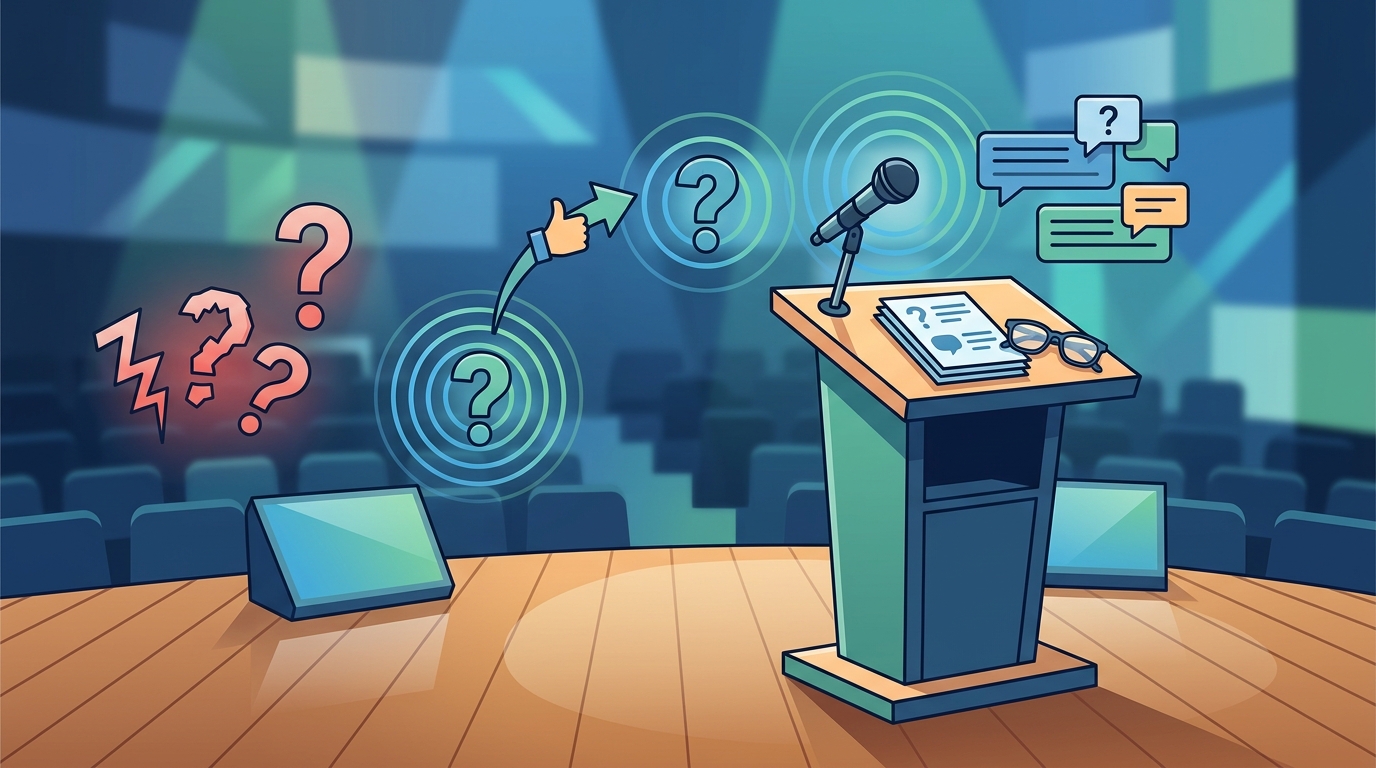
Divide anticipated questions into three groups: questions you are happy to answer, questions you cannot answer yet, and questions you would prefer to address offline. Knowing which bucket each question falls into prevents awkward pauses and keeps your responses focused.
Practice Your Responses
Rehearsing answers is just as important as rehearsing slides. As covered in strategies for refining presentation skills, non-verbal cues like body language and eye contact play a pivotal role in how your delivery is perceived. Practicing in front of a colleague gives you a realistic preview of what the live experience will feel like.
Listen Actively and Repeat the Question
Active listening is a powerful tool in any Q&A session. When someone asks a question, make eye contact, nod, and let them finish before responding. Rushing to answer before the questioner is done signals impatience and can break trust.
Repeating the question back is one of the simplest yet most effective techniques. Repeating questions serves two main purposes: it allows you to clarify what the questioner has asked, and it ensures the rest of the audience has heard the question. This brief pause also gives you a few extra seconds to organize your thoughts.
Structure Your Answer for Clarity
A structured response is a credible response. Follow a simple three-step framework:
| Step | Action | Example Phrase |
|---|---|---|
| 1. Acknowledge | Thank the questioner or validate the question | "That is a great question, thank you." |
| 2. Answer | Give a concise response in 2-3 sentences | "The data shows that..." |
| 3. Bridge | Link back to your core message or invite the next question | "This ties directly to the point I made about..." |
Aim for 2-3 sentences per answer. If a longer response is needed, offer a summary and then follow up with the questioner after the session. This keeps the Q&A moving and respects everyone's time.
Handle Tough or Unexpected Questions
When You Do Not Know the Answer
It is okay to not have all the answers. Thank the audience member for asking, acknowledge that you did not anticipate the question, and offer to follow up after the presentation. Always collect the person's name and contact information and make sure you do follow up. Having a notepad ready for capturing unanswered questions shows professionalism.
When a Question Is Off-Topic
Politely redirect by saying something like, "That is outside the scope of today's talk, but I would be happy to discuss it with you afterward." This keeps the session on track without dismissing the questioner.
When Facing Hostile or Critical Questions
Do not attack back. Separate the valid criticism from the personal element and respond to the substance. Maintaining composure under pressure is a hallmark of executive presence, a skill explored in depth through Effective Presentations' core skills training.
Use Technology to Invite More Questions
Not everyone is comfortable standing up and speaking in front of a group. Digital tools like Slido and Mentimeter allow audience members to submit questions from their phones, either anonymously or with their name. You can also create a hashtag for your presentation and use a live social feed to invite dialogue.
These tools are especially useful for large audiences or virtual presentations. When presenting on camera, the dynamics shift, and having a digital question queue keeps the conversation flowing. Effective Presentations covers on-camera communication strategies in their live online training program.
Close the Q&A Strong
Never let your presentation trail off after the last question. A strong close is the technique of ending your Q&A with a brief, confident statement that reinforces your key message. After answering the final question, transition with a phrase like, "Those were great questions. Let me leave you with one final takeaway."
This approach leverages the recency effect: audiences tend to remember the last thing they hear most clearly. By ending on your terms, you reassert authority and leave a lasting impression of confidence and clarity. For more techniques on maintaining energy throughout a presentation, see this guide on keeping your energy going.
Key Takeaways
- Prepare for Q&A with the same rigor you prepare your slides; list anticipated questions and rehearse answers.
- Repeat every question back to confirm understanding and give yourself thinking time.
- Structure answers using the Acknowledge-Answer-Bridge framework for maximum clarity.
- Admit when you do not know something and commit to a follow-up; honesty builds trust.
- Use digital tools like Slido or Mentimeter to include audience members who are hesitant to speak up.
- Always close Q&A with a strong final statement that ties back to your core message.
- Invest in hands-on training to practice these skills in a realistic, coached environment.
Frequently Asked Questions
What is the best way to start a Q&A session?
Ask "What questions do you have?" instead of "Are there any questions?" The first phrasing assumes engagement and encourages participation, while the second invites silence.
How long should a Q&A session last?
A good rule of thumb is to allocate 10-15% of your total presentation time for Q&A. For a 30-minute talk, that means roughly 3-5 minutes. Adjust based on audience size and the complexity of your topic.
What do I do if nobody asks a question?
Seed the session by saying, "A question I often get is..." and answer it yourself. You can also reference an interesting finding from your research to spark curiosity. Waiting about 30 seconds before prompting is a reasonable guideline.
How do I handle a question I cannot answer?
Be honest. Thank the questioner, acknowledge the gap, and offer to follow up with a detailed response via email or after the session. This approach maintains your credibility.
Should I allow questions during the presentation or only at the end?
It depends on the format. Interactive workshops benefit from questions throughout. Formal keynotes typically save questions for the end to maintain narrative flow. Decide in advance and communicate your preference at the start.
How do I manage a questioner who monopolizes the session?
Politely interject with, "Great points. Let me take a question from someone else so we can hear different perspectives." Queuing questioners by saying "I will take you first, you second, and you third" also helps distribute participation.
Can Q&A actually improve my presentation's impact?
Absolutely. Presentations with active Q&A sessions are perceived as significantly more engaging. The dialogue builds trust, clarifies misunderstandings, and shows the audience you value their input.
What training can help me get better at handling audience questions?
Hands-on presentation skills workshops that include coached practice and real-time feedback are the fastest path to improvement. Programs like those offered by Effective Presentations cover Q&A management, executive presence, and on-camera delivery.
Take Your Presentation Skills Further
Handling audience questions is a skill that improves dramatically with practice and expert feedback. If you want to build real confidence for your next high-stakes presentation, explore Effective Presentations' workshops and start turning your Q&A sessions into the strongest part of your talk.