

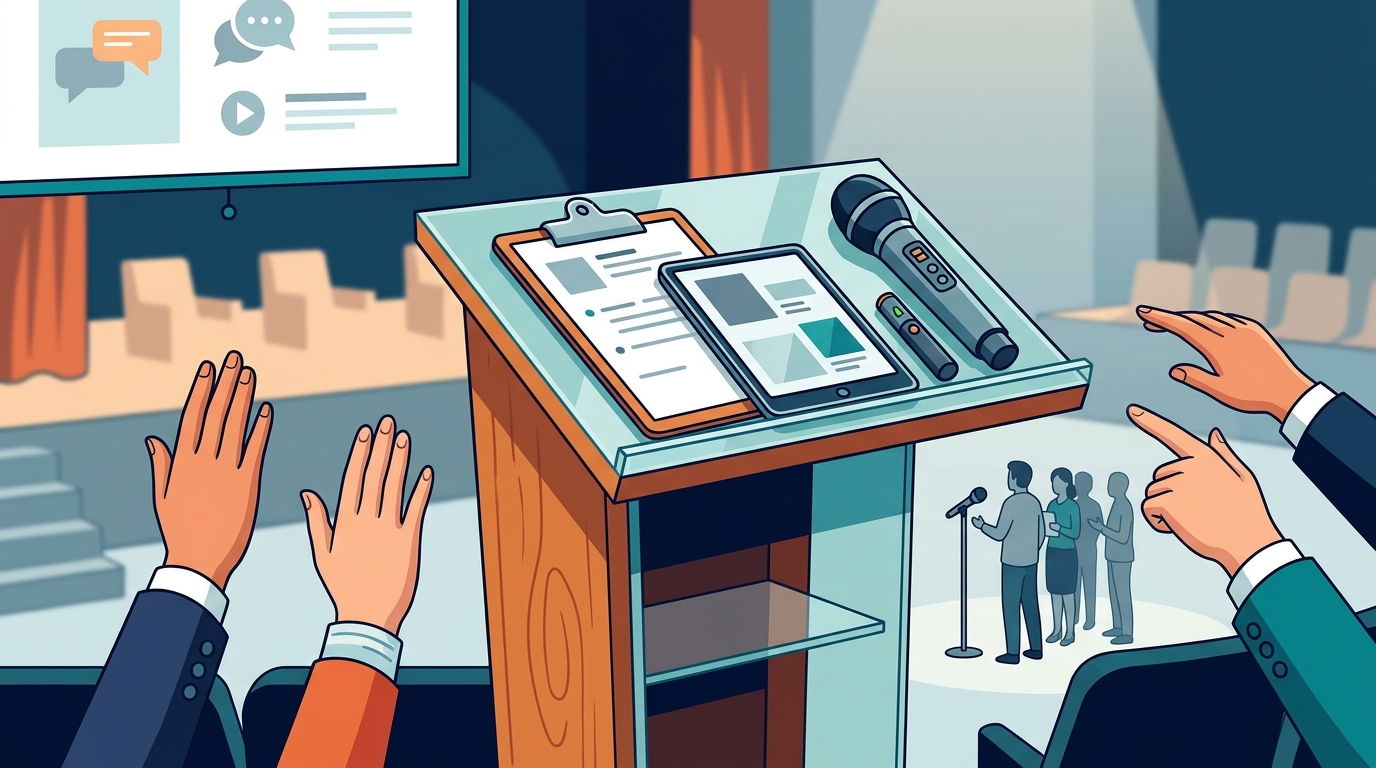
The Q&A portion of a presentation can make or break your credibility. When audience members raise their hands, they are telling you they listened, they care, and they want more. Yet many presenters dread this moment because they fear a question they cannot answer or an exchange that spirals out of control. The good news is that handling audience questions is a trainable skill. Below you will find proven techniques, a comparison of common Q&A formats, and practical steps you can apply before your next talk to turn every question into an opportunity.
Why the Q&A Matters More Than You Think
A Q&A session is the interactive portion of a presentation where audience members ask the speaker questions about the content, ideas, or implications of the talk. It is not an afterthought; it is a core part of how audiences evaluate you.
Research from the University of Texas at Austin found that how presenters respond to questions and objections affects audience evaluations as much as or more than the presentation itself. In other words, a strong talk followed by a weak Q&A can undo everything you built.
When people in your audience ask questions, it signals genuine engagement. As we discuss in our guide to engaging your audience, questions mean your listeners are processing your message and want to go deeper.
Prepare Before You Present
Preparation is the single biggest factor in Q&A confidence. Great presenters do not wing it; they anticipate.
Predict Common Questions
Review your content and identify the points you could not fully elaborate on due to time. Those gaps are exactly where audience questions will land. Write down every question you have been asked before and draft concise answers. If you are prepared for even a handful of likely questions, you will appear polished and professional when you answer them.
Categorize and Prioritize
Sort predicted questions into three buckets: questions you are happy to answer, questions you need more data to answer, and questions you would prefer to take offline. Knowing which bucket a question falls into lets you respond with confidence rather than scramble in the moment.
Rehearse Out Loud
Practice your answers the same way you practice your talk. Saying responses aloud helps you find concise phrasing and builds muscle memory. Our presentation skills training workshops emphasize that the skill to do comes from doing, and that applies to Q&A rehearsal as well.
Use Active Listening to Stay in Control
Active listening is the deliberate practice of fully concentrating on a speaker before formulating your response. It is the foundation of every successful Q&A exchange.
Repeat or Paraphrase the Question
Restating a question serves two purposes: it confirms you understood the questioner correctly, and it ensures everyone in the room heard what was asked. A simple phrase like "So you are asking whether..." buys you thinking time while demonstrating respect. This technique is highlighted in our post on talking with your audience, not at them.
Make Eye Contact and Pause
Before you answer, pause for one to two seconds. This prevents rambling and signals that you are giving the question genuine thought. Maintain eye contact with the questioner as you begin, then broaden your gaze to include the rest of the audience.
Techniques for Tough Questions
Even the most prepared presenter will face a question they did not expect. Here is how to handle those moments without losing credibility.
Admit What You Do Not Know
Honesty builds trust faster than a shaky guess. Thank the person for the question, acknowledge that you did not anticipate it, and offer to follow up after the presentation with a well-researched answer. Always collect the person's name and contact information, and make sure you actually follow through.
Bridge Back to Your Message
Bridging is a technique where you acknowledge the question, provide a brief answer, and then redirect to a key point from your presentation. This keeps the conversation aligned with your core message and prevents the Q&A from drifting off topic.
Handle Hostile or Off-Topic Questions
Stay calm and professional. Validate the person's concern with a phrase like "I appreciate you raising that." If the question is outside the scope of your talk, offer to discuss it one-on-one afterward. Never argue publicly; it diminishes both you and the questioner in front of the audience.
Q&A Format Comparison
Choosing the right format for audience questions depends on your setting, audience size, and goals. The table below compares popular approaches.
| Format | Best For | Pros | Cons |
|---|---|---|---|
| End-of-talk Q&A | Keynotes, formal events | Keeps presentation flow intact | Audience may forget earlier questions |
| Periodic check-ins | Workshops, training sessions | Addresses confusion in real time | Can break momentum if overused |
| Digital tools (e.g., Slido) | Large or hybrid audiences | Anonymous submissions encourage shy participants | Requires tech setup and monitoring |
| Moderated panel Q&A | Conferences, multi-speaker events | Moderator filters and organizes questions | Less direct interaction with speaker |
| Post-event follow-up | Webinars, virtual events | Allows thorough, researched answers | Loses the energy of live interaction |
Digital tools like Slido let audience members submit questions from their phones, either anonymously or with their name, which is especially helpful for people who are not comfortable speaking in front of a group. You can learn more engagement strategies in our Engaging Your Audience masterclass.
Keep Energy and Engagement High
A flat Q&A often stems from low energy. If no one raises a hand, do not panic. Wait a full 30 seconds, then seed the discussion by saying something like, "One question I often get is..." and answer it yourself. This models the behavior you want and usually prompts others to follow.
Keep your answers concise. Aim for two to three sentences per response. If a deeper answer is needed, offer to connect after the session. Lengthy answers drain the room's energy and reduce the number of people who get to participate.
Movement also helps. Step closer to the person asking a question or shift your position on stage. Physical movement re-engages the audience's attention and makes the exchange feel conversational. For more on sustaining momentum, read our tips on keeping your energy going throughout a presentation.
Key Takeaways
- Audience questions are a sign of engagement, not a threat to your authority.
- Predict and rehearse answers to likely questions before every presentation.
- Repeat or paraphrase each question to confirm understanding and buy thinking time.
- It is perfectly acceptable to say "I do not know" as long as you commit to following up.
- Choose a Q&A format that matches your audience size and setting.
- Keep answers to two or three sentences to maintain energy and momentum.
- Bridge back to your core message to prevent the session from going off track.
Frequently Asked Questions
What is the best time to take audience questions during a presentation?
The best time depends on your format. For formal keynotes, saving questions until the end preserves narrative flow. For workshops and training sessions, periodic check-ins help clarify concepts in real time. In either case, let your audience know at the start when questions will be welcome.
How do I handle a question I cannot answer?
Thank the questioner, honestly admit that you did not anticipate the question, and ask if you can follow up afterward. Write down the question and the person's contact information so you can provide a thorough answer later.
What if nobody asks a question?
Wait about 30 seconds. If silence continues, seed the Q&A by posing a common question yourself: "One thing people often ask me is..." This breaks the ice and invites others to participate.
How do I deal with hostile or aggressive questions?
Stay calm. Acknowledge the person's concern, provide a brief factual response, and offer to continue the conversation privately after the session. Avoid arguing in front of the group.
Should I repeat every audience question before answering?
Yes. Repeating or paraphrasing the question ensures the entire room hears it, confirms your understanding, and gives you a moment to organize your thoughts.
How long should my answers be?
Aim for two to three sentences. If the topic requires a longer response, summarize briefly and offer to provide additional detail after the presentation or via email.
Can digital Q&A tools replace live questions?
Digital tools are a supplement, not a replacement. They are excellent for large or hybrid audiences because they let shy attendees participate anonymously. However, live verbal exchanges create stronger rapport between speaker and audience.
How does Q&A performance affect speaker credibility?
Research shows that how a speaker handles questions and objections can influence audience perceptions of competence and trustworthiness as much as the presentation itself. Poorly handled Q&A sessions can significantly reduce a speaker's perceived credibility.
Take the Next Step
Mastering Q&A sessions takes practice, feedback, and the right framework. Effective Presentations offers hands-on presentation skills training that includes live coaching on handling audience questions, objections, and high-pressure exchanges. Whether you join a live virtual session or attend an in-person workshop, you will leave with repeatable techniques you can use the very next time you present. Explore upcoming workshops and start building your Q&A confidence today.