

The Q&A segment of any presentation can feel like the most unpredictable part of your talk. You have rehearsed your slides, nailed your opening, and delivered your key points with confidence. Then someone raises a hand, and suddenly you are in unscripted territory. The good news is that handling audience questions is a skill you can prepare for and master. Below, you will find proven techniques that help you stay composed, build credibility, and turn every question into an opportunity to reinforce your message. Whether you present to five colleagues or five hundred conference attendees, these strategies will make your next Q&A your strongest moment on stage.
Why the Q&A Matters More Than You Think
A Q&A session is the portion of a presentation where audience members ask the speaker questions about the content, ideas, or implications of the talk. Far from being an afterthought, it is one of the most powerful engagement tools available to any presenter.
When people in your audience ask questions, it means they have been listening and they want to know more. Research cited by Toomey Business English found that presentations with active Q&A sessions are rated as 23% more engaging than one-way presentations with no interaction. That alone makes preparation worthwhile.
Opening up the floor to questions is also a great way to gauge what your audience has taken from your talk. The feedback you receive can surface blind spots, sharpen your future messaging, and even generate new business insights. If you want to engage your audience at a deeper level, the Q&A is where that connection often happens.
Prepare for Questions Before You Present
Preparation is the foundation of a confident Q&A. Anticipation is the practice of predicting likely questions and rehearsing concise responses before you step on stage.
Brainstorm Likely Questions
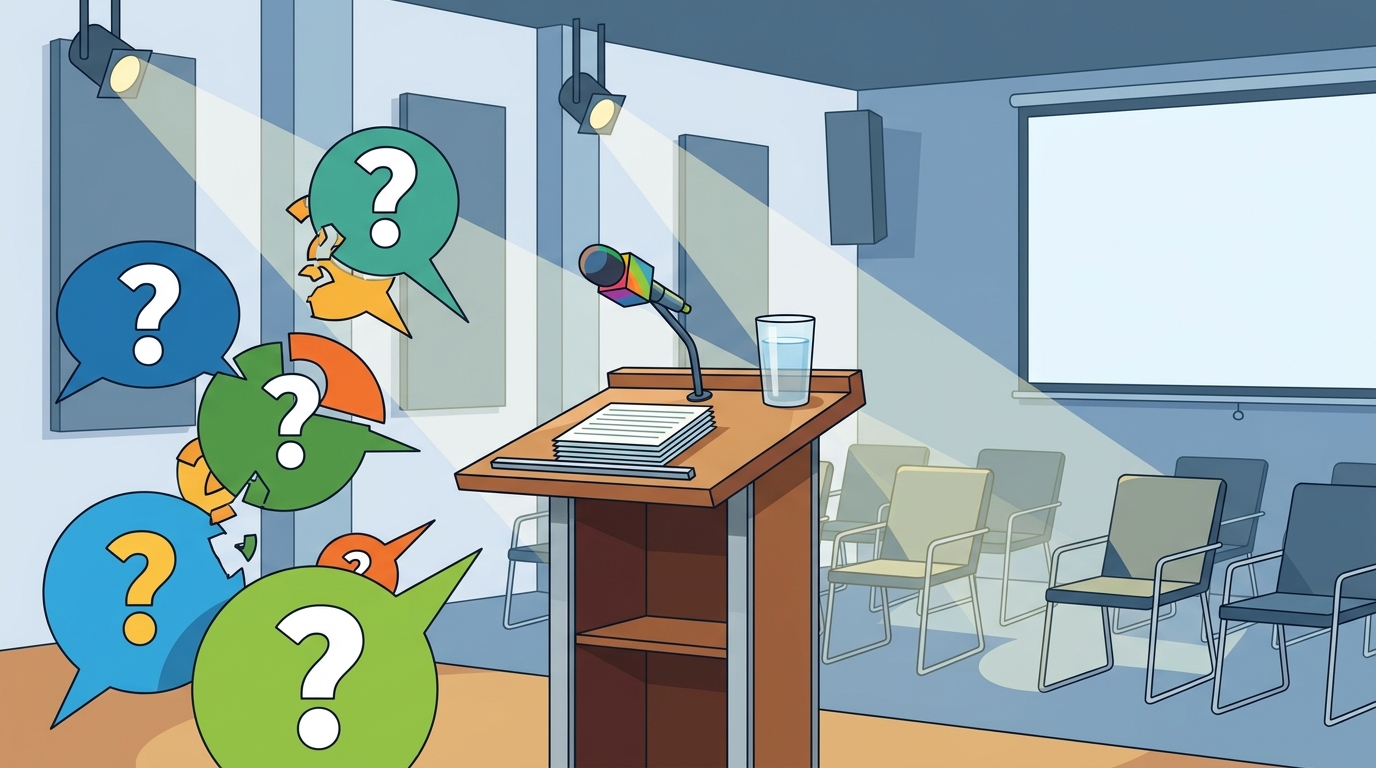
Put yourself in your audience's shoes. What points did you abbreviate due to time? What claims might provoke skepticism? List the tough questions someone might ask, especially the ones you hope no one brings up. Then work out clear answers while you still have time to research.
Categorize and Prioritize
Divide your anticipated questions into three groups: those you can answer confidently, those that need additional data, and those you may want to address offline. This framework, recommended by Wordvice, helps you respond quickly without being caught off guard.
Rehearse Out Loud
Practicing responses verbally builds fluency. Pair up with a colleague and do a mock Q&A. This mirrors what participants experience in presentation skills training workshops, where real-time practice and coaching accelerate improvement.
Listen Actively and Repeat the Question
Active listening is the deliberate process of fully concentrating on a speaker, understanding their message, and responding thoughtfully. During Q&A, it is your most important tool.
When someone asks a question, make eye contact, nod, and let them finish before you respond. Then repeat or paraphrase the question aloud. Repeating questions serves two main functions: it allows you to clarify what the questioner has asked, and it ensures the rest of the audience has heard the question. This technique also buys you a few extra seconds to organize your thoughts.
A simple phrase like "So you are asking whether..." or "Did you mean..." confirms understanding and shows respect. As one commenter on the Effective Presentations Q&A blog noted, repeating the question back helps you think it over before answering and ensures you heard the person properly.
Structure Your Answer for Clarity
Keep responses concise. Aim for two to three sentences per answer. If a topic requires more depth, offer a brief summary and then suggest a follow-up conversation after the session.
| Technique | What It Does | When to Use It |
|---|---|---|
| Repeat the question | Confirms understanding; gives thinking time | Every question, especially in large rooms |
| Bridge to your key message | Redirects off-topic questions back to your core point | When questions drift from your main topic |
| Cite a data point or example | Adds credibility and specificity | When answering skeptical or analytical audiences |
| Acknowledge and defer | Preserves honesty when you lack an answer | When you genuinely do not know the answer |
| Summarize and close | Reinforces your takeaway after the final question | At the end of every Q&A session |
The bridging technique is especially powerful in high-stakes settings. According to INK PPT research, effective use of bridging can increase audience retention of key information by up to 40%. The method works by acknowledging the question, giving a brief response, and then steering back to your strongest point.
Handle Tough or Unexpected Questions
Not every question will be friendly. Some will challenge your data. Others may come from a place of genuine confusion. Here is how to stay composed.
When You Do Not Know the Answer
It is okay to say you do not have the answer right now. Thank the questioner, admit the question was unanticipated, and commit to following up after the presentation. Always get the person's name and contact information, and make sure you do follow through. Audiences respect honesty far more than a fabricated response.
When Someone Is Hostile
If an audience member criticizes or attacks your content, do not attack back. Separate valid criticism from personal attacks and respond to the substance. Stay calm, maintain open body language, and redirect the conversation to common ground. This composure signals advanced presentation skill and earns the room's respect.
When Silence Follows Your Invitation
If no one raises a hand after about 30 seconds, prompt the room by sharing something that surprised you during your own research. You can also seed a question: "One thing people often ask me is..." This breaks the ice and gives others permission to participate.
Use Technology to Encourage Participation
Not everyone is comfortable speaking in front of a group. Digital tools remove that barrier and can dramatically increase the volume and quality of questions you receive.
Platforms like Slido allow audience members to submit questions from their smartphones, either anonymously or with their name. You can also create a hashtag for your presentation and set up a live social feed to invite dialogue. These tools are especially useful in large venues or virtual settings where live online presentation training techniques apply.
For hybrid or virtual presentations, chat-based Q&A can surface questions you might miss in person. The key is to check the feed regularly and address digital questions with the same respect you give in-person ones.
Close the Q&A With Impact
Do not let your presentation trail off after the last question. Plan a deliberate closing. After you answer the final question, transition smoothly to a strong summary statement: "Those were great questions. Let me leave you with one final thought..."
This approach reinforces your authority and ensures your audience walks away with your core message, not a random final question, echoing in their minds. Because audiences tend to remember the first and last things they hear most clearly, your closing words carry outsized weight. Learn more about crafting memorable endings in our guide to refining your presentation skills.
Key Takeaways
- Audience questions signal engagement, not failure. Treat every question as a chance to strengthen your message.
- Anticipate likely questions in advance and rehearse concise, two-to-three-sentence answers.
- Always repeat or paraphrase the question before answering to confirm understanding and include the full room.
- Use the bridging technique to redirect off-topic questions back to your core message.
- Be honest when you do not know an answer. Commit to a follow-up and deliver on that promise.
- Leverage digital tools like Slido to collect questions from audience members who prefer not to speak publicly.
- Close the Q&A with a strong summary statement so your key message is the last thing the audience remembers.
Frequently Asked Questions
What is the best way to start a Q&A session?
Use an assumptive prompt like "What questions do you have?" instead of the passive "Are there any questions?" This small change primes the room for interaction and signals that you expect and welcome dialogue.
How long should my answers be during Q&A?
Aim for two to three sentences per response. If the topic requires more detail, offer a brief summary and then suggest continuing the conversation after the presentation or via email.
What should I do if nobody asks a question?
Wait about 30 seconds, then seed the conversation yourself. Share a surprising finding from your research or mention a question you frequently receive. This gives the audience permission to participate.
How do I handle a question I cannot answer?
Thank the person for the question, acknowledge that you did not anticipate it, and ask if you can follow up after the session. Collect their contact information and make sure you deliver the answer promptly.
Should I take questions during the presentation or only at the end?
It depends on the format. For shorter talks, saving questions for the end keeps your flow intact. For longer workshops or training sessions, periodic check-ins help maintain engagement and let you course-correct in real time.
How do I deal with hostile or argumentative questioners?
Stay calm, maintain open body language, and separate valid criticism from personal attacks. Address the substance of the concern without being defensive. Your composure will earn the respect of the wider audience.
Can technology help with Q&A in virtual presentations?
Yes. Tools like Slido, Zoom's built-in Q&A feature, and live social feeds let remote participants submit questions in real time. Addressing digital questions with the same care as in-person ones ensures no one feels excluded.
How can I improve my Q&A skills over time?
Practice is the fastest path. Pair with a colleague for mock Q&A sessions, record yourself presenting, and review the playback. Structured presentation skills training with live coaching accelerates improvement significantly.
Take the Next Step
Handling audience questions with confidence is a skill that improves with practice and expert feedback. If you are ready to transform your Q&A sessions from a source of anxiety into a competitive advantage, explore Effective Presentations' training workshops. With hands-on coaching, video playback, and proven frameworks used by professionals across the United States, you will leave with tools you can apply in your very next meeting.