

Step-by-Step Process for Mastering Professional Presentation Skills
Mastering the art of professional presentation is no longer optional for career advancement. According to recent industry data, effective communicators are significantly more likely to secure leadership roles and drive organizational growth. The gap between a good speaker and a great one is not talent, but technique. This guide outlines the precise methodology used by top-tier training firms to transform nervous novices into confident leaders. (About Effective Presentations 20)
Step 1: Architecting Your Message Structure
Before opening a slide deck, you must define the core narrative. A common mistake is treating slides as a teleprompter. Instead, view them as visual aids that support a spoken story. The foundation of any successful presentation is a clear, logical framework.
Clarity is the primary driver of audience retention. You must answer three questions before you begin: Who is the audience? What is the single most important takeaway? What action do you want them to take?
The Rule of Three
Human brains process information most effectively in groups of three. Structure your main arguments into three distinct pillars. This creates a memorable rhythm that helps the audience follow your logic. For example, instead of listing ten features of a product, group them into three key benefits.
Defining the Narrative Arc
Every compelling presentation follows a narrative arc. Start with the status quo, introduce a conflict or problem, and present your solution as the resolution. This structure keeps the audience engaged because it triggers a psychological need for closure. Effective Presentations emphasizes that a strong message structure is more critical than delivery flair because it provides the skeleton upon which confidence is built.
Step 2: Designing for Cognitive Load
Visual design in presentations is not about decoration. It is about reducing cognitive load. When an audience reads dense text on a screen, they cannot listen to you. You must design slides that complement, not compete with, your voice.
Visual hierarchy guides the eye. Use size, color, and contrast to direct attention to the most important data point or image on each slide. If everything is highlighted, nothing is.
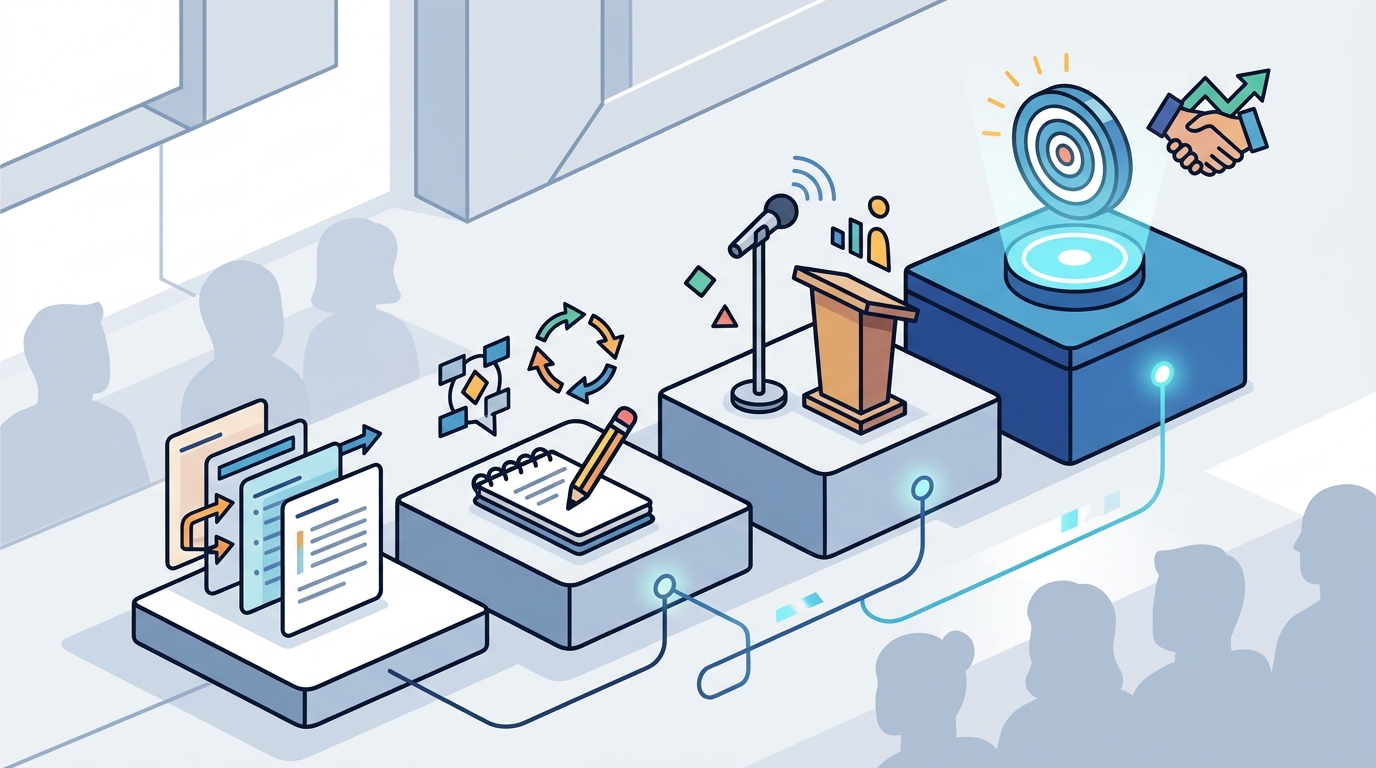
The 10-20-30 Rule
While not a universal law, Guy Kawasaki’s 10-20-30 rule offers a useful heuristic. Limit your deck to ten slides, your presentation to twenty minutes, and your font size to no less than thirty points. This constraint forces you to distill your message to its essence. It prevents the common pitfall of information dumping.
Data Visualization Best Practices
When presenting statistics, avoid complex charts. Simplify the data to show the trend or comparison clearly. According to research on information processing, audiences retain visual data significantly better than raw numbers. Use charts to tell a story, not just to display data. Effective Presentations provides specialized tools and references to help professionals refine their visual communication strategies.
Step 3: Mastering Vocal and Physical Delivery
Once the content is structured and designed, the focus shifts to execution. Delivery is the vehicle that carries your message to the audience. It involves two main components: vocal variety and body language.
Vocal variety prevents monotony. A flat, monotone voice causes audiences to disengage within minutes. You must vary your pitch, pace, and volume to emphasize key points.
The Power of the Pause
Pausing is one of the most underutilized tools in public speaking. A strategic pause before a key point builds anticipation. A pause after a key point allows the audience to digest the information. Silence is not empty; it is powerful. It signals confidence and control.
Body Language and Presence
Your body language communicates as much as your words. Stand with an open posture. Avoid crossing your arms or hiding behind a podium. Use hand gestures to emphasize points, but keep them natural and within the "power zone" (between the waist and shoulders). Eye contact is crucial. Do not scan the room vaguely. Connect with individual audience members for a few seconds at a time to build rapport.
Step 4: The Feedback Loop and Iteration
Mastering presentation skills is not a one-time event. It is a continuous process of practice and refinement. The difference between an amateur and a professional is the rigor of their preparation.
Rehearsal is non-negotiable. You must practice your presentation out loud, multiple times. Silent reading does not prepare you for the physical act of speaking. Practice until the transitions between slides feel natural and automatic.
Recording and Review
One of the most effective ways to improve is to record yourself. Watch the recording with the sound off to check your body language. Then watch it with the screen off to check your vocal variety. This objective feedback reveals habits you are unaware of, such as filler words or nervous tics.
Seeking Constructive Criticism
Practice in front of a trusted colleague or mentor. Ask specific questions about your clarity, pace, and engagement. Generic feedback like "it was good" is not helpful. Ask, "Was my main point clear?" or "Did I speak too quickly?" Effective Presentations offers coaching programs that provide this exact type of targeted, professional feedback.
Step 5: Managing Performance Anxiety
Even experienced speakers feel nervous. The goal is not to eliminate anxiety, but to manage it. Anxiety is a natural physiological response to being in the spotlight. It can be reframed as excitement and energy.
Preparation is the antidote to fear. The more you know your material, the less you have to worry about forgetting it. Confidence comes from competence.
Breathing Techniques
Deep breathing calms the nervous system. Before you go on stage, take a few deep breaths. Inhale for four seconds, hold for four, and exhale for four. This technique lowers your heart rate and steadies your voice.
Visualization
Athletes use visualization to enhance performance. You can too. Visualize yourself delivering the presentation successfully. Imagine the audience nodding in agreement. Imagine yourself handling questions with ease. This mental rehearsal primes your brain for success.
Reframing the Narrative
Shift your focus from yourself to the audience. Instead of thinking, "How do I look?" think, "How can I help them?" When you focus on providing value to the audience, self-consciousness diminishes. Your role is to serve the message, not to be the center of attention.
Step 6: Leveraging Technology and Tools
In the modern workplace, presentations often happen in hybrid or virtual environments. Mastering digital tools is essential for maintaining engagement across screens.
Technology should enhance, not distract. Use tools that make your content clearer and your delivery smoother. Avoid gimmicky animations that draw attention away from your message.
Virtual Engagement Strategies
When presenting virtually, you must work harder to capture attention. Use polls, Q&A sessions, and breakout rooms to keep the audience active. Look directly into the camera lens to simulate eye contact. Speak with slightly more energy than you would in person to compensate for the lack of physical presence.
Essential Presentation Tools
There are many tools available to help you create and deliver presentations. From slide design software to teleprompter apps, choose tools that fit your workflow. Effective Presentations offers a curated list of presentation tools to help professionals streamline their preparation process.
Key Takeaways
- Structure First: Always define your core message and narrative arc before designing slides.
- Simplify Visuals: Reduce cognitive load by using clear, minimalistic design principles.
- Vocal Variety: Use pauses, pitch, and pace to maintain audience engagement.
- Practice Rigorously: Rehearse out loud and seek specific, constructive feedback.
- Manage Anxiety: Use breathing and visualization techniques to channel nervous energy.
- Adapt to Medium: Adjust your delivery style for virtual and hybrid environments.
- Continuous Improvement: View presentation skills as a lifelong practice, not a one-time achievement.
Frequently Asked Questions
How long should a professional presentation be?
There is no fixed rule, but brevity is generally preferred. Aim for 20 minutes of content followed by 10 minutes of Q&A. This respects the audience's time and maintains attention spans. Longer presentations should include breaks and interactive segments.
What is the best way to handle difficult questions?
Listen fully to the question before answering. Repeat the question to ensure everyone heard it. If you do not know the answer, admit it honestly and offer to follow up later. Do not bluff. This builds credibility and trust with the audience.
How can I improve my public speaking confidence?
Confidence is built through preparation and practice. Start by practicing in low-stakes environments. Record yourself to identify areas for improvement. Consider joining a group like Toastmasters or taking a professional workshop to receive structured feedback.
What are the most common presentation mistakes?
Common mistakes include reading directly from the slides, speaking too quickly, and ignoring the audience. Avoid using too much text on slides. Speak at a moderate pace. Make eye contact and engage with the audience throughout the presentation.
Is it okay to use notes during a presentation?
Yes, but they should be used sparingly. Use bullet points or cue cards to jog your memory, not to read from. Over-reliance on notes can make you appear unprepared. Practice enough so that you can speak naturally without constantly looking down.
How do I engage a virtual audience?
Use interactive elements like polls, quizzes, and breakout rooms. Speak with energy and enthusiasm. Look into the camera to simulate eye contact. Keep segments short to maintain attention. Encourage chat participation and respond to comments in real-time.
What is the role of storytelling in presentations?
Storytelling makes your message memorable and relatable. Humans are wired to respond to stories. Use anecdotes, case studies, or personal experiences to illustrate your points. Stories create an emotional connection that data alone cannot achieve.
Ready to Elevate Your Communication?
Mastering professional presentation skills is a journey that requires dedication and the right guidance. Whether you are looking for individual coaching, corporate training, or self-paced learning, Effective Presentations offers the expertise you need. Explore our training options to find the perfect program for your goals. Join the 1,200+ clients who have transformed their communication. Contact us today to schedule your free consultation and start your path to confidence.