

Step-by-Step Process for Delivering Confident Virtual Presentations
Virtual presentations have fundamentally altered the landscape of professional communication. According to recent industry data, over 60% of business meetings now occur in digital environments, shifting the burden of engagement entirely onto the presenter. This statistic highlights a critical reality: the skills required for in-person speaking do not automatically translate to a screen. To succeed, you must adopt a specialized framework that addresses technical reliability, visual clarity, and digital engagement. This guide outlines the precise methodology used by top-tier communicators to deliver impactful virtual sessions. (About Effective Presentations 20)
Understanding the Digital Stage
Before you touch a camera or open a microphone, you must understand the medium. Virtual presenting is not merely in-person speaking with a webcam. It is a distinct discipline that requires heightened awareness of non-verbal cues and technical constraints. Virtual presenting is the strategic delivery of information through digital platforms, requiring optimized audio, video, and visual aids to maintain audience attention. (Effective Presentations Valued Clients)
Many professionals fail because they treat the virtual space as an afterthought. They rely on the same body language and pacing used in boardrooms. This approach fails because digital compression filters out subtle nuances. You must amplify your energy and clarity to compensate for the lack of physical presence. Effective Presentations has identified that presenters who adapt their style to the digital medium see significantly higher retention rates among their audiences.
The first step is acknowledging that your audience is competing with distractions. Unlike a physical room where attention is captive, virtual attendees can easily switch tabs or check emails. Your primary goal is to create a "digital hook" that keeps them focused on your screen. This requires a shift from passive information delivery to active digital facilitation.
Technical Preparation and Setup
Technical failure is the fastest way to lose credibility. A pixelated video or muffled audio breaks the connection instantly. Preparation here is non-negotiable. You must treat your technical setup with the same rigor as your content.
Audio Quality is Paramount
Research indicates that poor audio quality is the number one reason audiences disengage from virtual meetings. Viewers will tolerate mediocre video, but they will not tolerate bad sound. Invest in a dedicated external microphone rather than relying on your laptop's built-in mic. Position the microphone close to your mouth to minimize background noise and echo. Test your audio levels in the specific platform you will use, such as Zoom, Microsoft Teams, or Webex, prior to the live event.
Video and Lighting
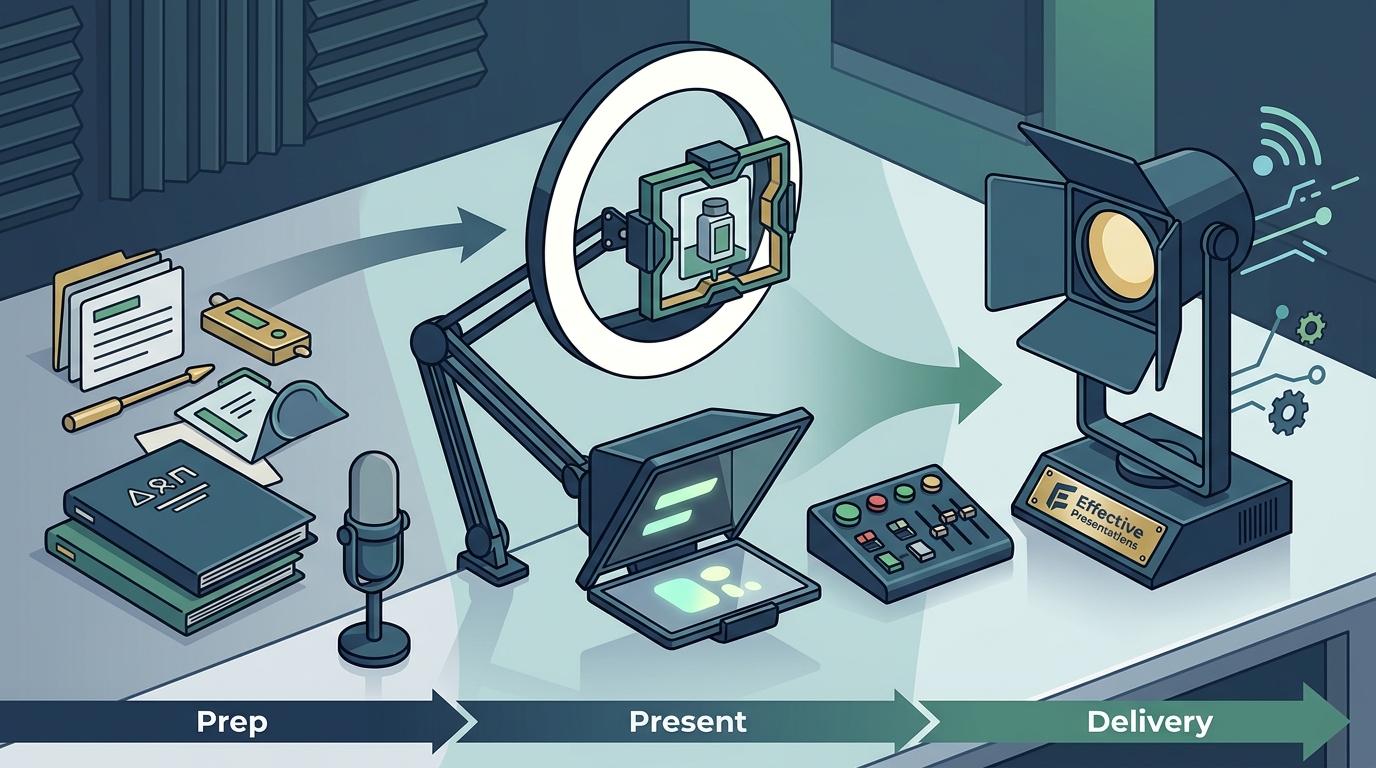
Your visual presence establishes trust. Position your camera at eye level to create a sense of direct connection. Looking down at a laptop screen creates a disconnect that audiences perceive as disinterest. Ensure your primary light source is in front of you, not behind you. Backlighting creates a silhouette effect that obscures your facial expressions. Use a neutral, uncluttered background to keep the focus on you. If your environment is noisy, use virtual background features cautiously, ensuring they do not glitch or reveal sensitive information.
Platform Familiarity
Never use a new platform for a high-stakes presentation. Spend time learning the controls for screen sharing, muting, and raising hands. Effective Presentations offers corporate virtual training programs designed to help teams master these specific platform mechanics. Familiarity reduces cognitive load, allowing you to focus on your message rather than the interface.
Structuring Content for Digital Consumption
Digital attention spans are shorter and more fragmented than their physical counterparts. Your content must be structured to accommodate this reality. Long, dense slides are ineffective. Complex narratives without visual breaks cause cognitive overload.
The Rule of Three
Structure your presentation around three core pillars. This framework helps the audience organize information mentally. When you introduce your main points, state them clearly and repeat them. This repetition is crucial in a digital environment where distractions are frequent. Structuring content for digital consumption involves breaking complex ideas into digestible, visually supported segments that reinforce key takeaways.
Visual Minimalism
Reduce text on your slides. Your audience should listen to you, not read your slides. Use high-quality images, charts, and diagrams to illustrate your points. If you must use text, keep it to bullet points with large, readable fonts. Ensure high contrast between text and background. This approach aligns with best practices in visual communication, which emphasize clarity over completeness.
Interactive Elements
Integrate interactive elements every five to seven minutes. Use polls, Q&A sessions, or breakout rooms to re-engage the audience. These breaks serve as cognitive resets, allowing attendees to process information and return to the presentation with renewed focus. Effective Presentations emphasizes that interactive training leads to higher retention and application of skills.
Delivery Techniques for Virtual Engagement
Your delivery style must be amplified for the digital medium. Subtlety is lost on a screen. You must be intentional about your energy, pace, and eye contact.
Eye Contact and Camera
Look at the camera lens, not the screen. Looking at the screen makes it appear as though you are looking down at the audience. Looking at the lens creates the illusion of direct eye contact. This simple shift builds trust and connection. Practice this habit during your rehearsals to make it natural.
Vocal Variety and Pace
Modulate your voice to maintain interest. Monotone delivery is fatal in virtual settings. Vary your pitch, volume, and speed to emphasize key points. Pause strategically to allow information to sink in. Silence is a powerful tool in digital communication, giving the audience time to process what you have said. Avoid rushing through content, as this increases anxiety and reduces clarity.
Body Language
Your body language is visible from the chest up. Use hand gestures to emphasize points, but keep them within the frame. Avoid fidgeting or excessive movement, which can be distracting. Sit or stand with an open posture to convey confidence and approachability. Virtual delivery requires amplified non-verbal cues to compensate for the lack of physical proximity and environmental context.
Handling Technology and Troubleshooting
Technology will fail. It is not a matter of if, but when. Your ability to handle technical issues gracefully is a test of your professionalism. Panic is contagious. If you panic, your audience will panic. Stay calm and composed.
Have a Backup Plan
Always have a backup plan. If your internet fails, have a mobile hotspot ready. If your presentation software crashes, have a PDF version ready to share via email or chat. If your audio fails, have a text-based alternative ready. Effective Presentations recommends that all corporate teams establish a clear protocol for technical failures before they occur.
Communicate Clearly
If a technical issue arises, acknowledge it calmly. Inform the audience of the issue and your plan to resolve it. Use the chat function to provide updates if audio is lost. This transparency builds trust and shows that you are in control of the situation. Do not apologize excessively, as this undermines your authority. Focus on the solution, not the problem.
Post-Presentation Analysis
The process does not end when you click "End Meeting." Post-presentation analysis is critical for continuous improvement. Review the recording of your session if possible. Look for areas where your energy dipped, where you stumbled over words, or where the audience seemed disengaged.
Gather Feedback
Send a survey to your attendees. Ask specific questions about the clarity of your message, the quality of your audio and video, and the relevance of your content. Use this feedback to refine your approach for future presentations. Post-presentation analysis involves reviewing performance metrics and audience feedback to identify specific areas for improvement in future virtual engagements.
Key Takeaways
- Technical Reliability: Invest in external audio and proper lighting to establish credibility instantly.
- Camera Eye Contact: Look at the lens, not the screen, to create a sense of direct connection.
- Structured Content: Use the Rule of Three and visual minimalism to aid digital comprehension.
- Amplified Delivery: Increase vocal variety and body language to compensate for the digital medium.
- Interactive Engagement: Use polls and Q&A every five to seven minutes to reset attention spans.
- Graceful Troubleshooting: Maintain calm and communicate clearly during technical failures to preserve trust.
- Continuous Improvement: Review recordings and gather feedback to refine your virtual presentation skills over time.
Frequently Asked Questions
How can I improve my virtual presentation confidence?
Confidence comes from preparation. Master your technical setup, structure your content clearly, and practice your delivery multiple times. Familiarity with the platform and your material reduces anxiety and allows you to focus on connecting with your audience.
What is the best lighting setup for virtual presentations?
The best lighting is soft, front-facing light that illuminates your face evenly. Avoid backlighting, which creates silhouettes. Natural light from a window in front of you is ideal, or use a ring light or softbox positioned at eye level.
How often should I interact with my virtual audience?
Interact every five to seven minutes. Use polls, questions, or brief discussions to re-engage attendees. This frequency prevents cognitive fatigue and keeps the audience actively involved in the presentation.
What should I do if my internet connection fails during a presentation?
Stay calm and switch to your backup plan immediately. If you have a mobile hotspot, connect to it. If not, use the chat function to inform attendees of the issue and provide a time for reconnection. Have a PDF version of your slides ready to share via email if necessary.
How do I maintain eye contact in a virtual presentation?
Look directly at the camera lens when speaking, not at the screen. Position your camera at eye level to make this natural. Practice this habit during rehearsals to ensure it feels authentic during the live presentation.
What are the key elements of a successful virtual presentation?
Key elements include clear audio, good lighting, structured content, interactive engagement, and confident delivery. Each element contributes to a cohesive experience that keeps the audience focused and engaged.
How can I reduce filler words during virtual presentations?
Practice pausing instead of filling silence with filler words. Record yourself and identify your triggers for filler words. Use structured outlines and bullet points to guide your speech, reducing the need for improvisation.
Ready to Elevate Your Virtual Presence?
Mastering virtual presentations is a skill that requires practice, feedback, and expert guidance. Effective Presentations offers tailored training programs designed to help individuals and teams deliver confident, impactful virtual sessions. Whether you need individual coaching or corporate team training, we provide the tools and strategies you need to succeed. Visit our website to explore our training options and book a consultation today.