

What Does Live Virtual Presentation Skills Training Include?
Live virtual presentation skills training includes real-time group practice, immediate instructor feedback, and platform-specific delivery techniques. It moves beyond static video lessons to build muscle memory through active speaking. This guide details the six core components of effective virtual training. It covers live group practice, instructor feedback, virtual platform techniques, audience engagement strategies, screen presence, and content structure. Effective Presentations designs these modules to help professionals communicate with clarity and confidence in remote environments.
Live Group Practice
Live group practice is the core engine of virtual presentation training. It allows participants to speak in real time rather than watching pre-recorded content. This active repetition builds confidence and reduces anxiety. In a virtual setting, participants join a shared video room to deliver short speeches or pitches. The environment mimics the pressure of a live audience. Participants must manage their own technology while speaking. This dual focus on content and tech builds resilience. Effective Presentations uses small group formats to ensure every participant gets speaking time. The group dynamic creates a safe space for trial and error. Peers observe and learn from each other's delivery. This collaborative atmosphere accelerates skill acquisition. Participants learn to handle interruptions and technical glitches calmly. The practice is structured to increase in difficulty over time. Early sessions focus on simple introductions. Later sessions tackle complex data presentations. This progression ensures steady growth. The live nature of the practice provides immediate social feedback. Participants can see how their words land in real time. This direct experience is impossible with asynchronous video courses. It bridges the gap between theory and application. The group setting also fosters accountability. Participants are motivated to prepare thoroughly. They know their peers will be watching. This social pressure drives better preparation. The practice sessions are recorded for later review. Participants can watch themselves and identify blind spots. This self-assessment is a critical part of the learning process. It helps them see what they cannot feel in the moment. The live group practice is the foundation of the entire training program. It provides the raw material for feedback and improvement. Without it, the other components lack context. It is the most important element of virtual training.
Instructor Feedback
Virtual Platform Techniques
Audience Engagement Strategies
Screen Presence
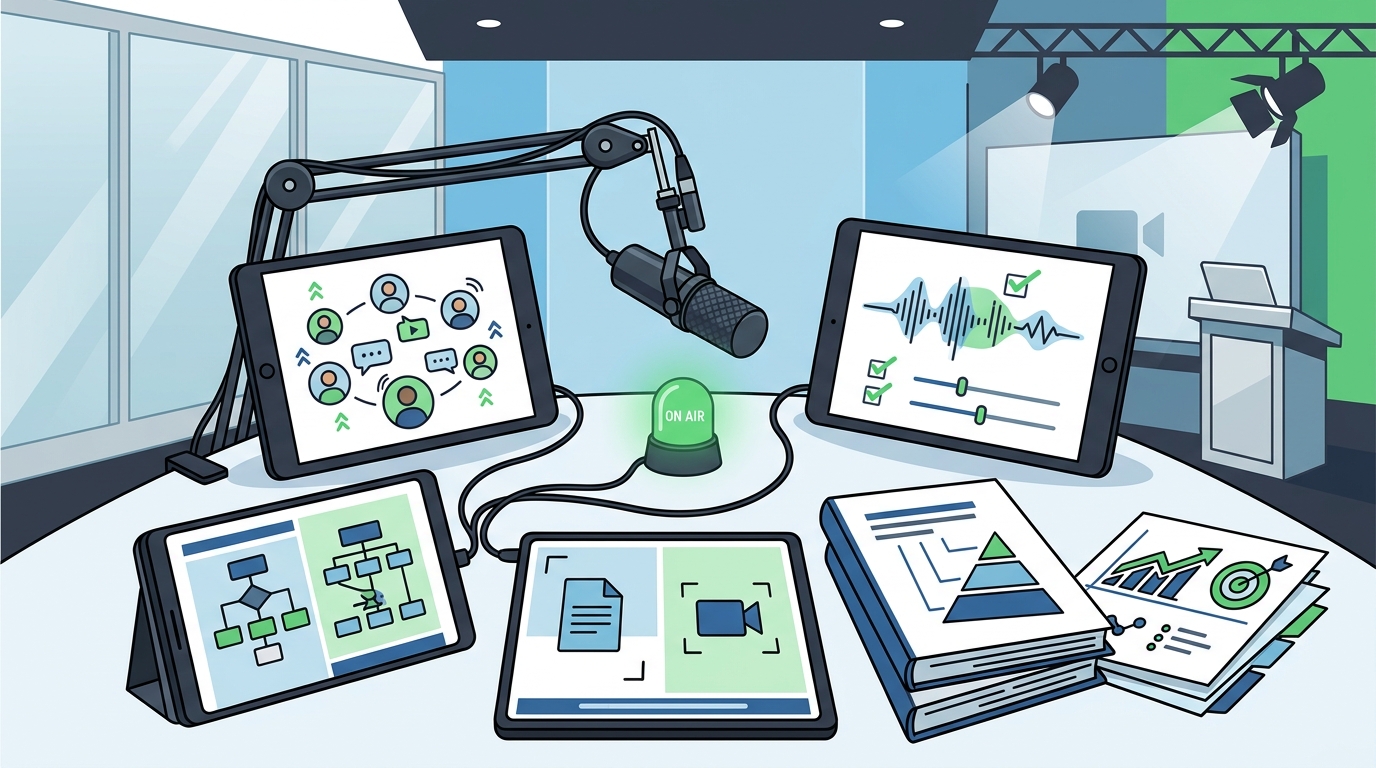
Screen presence is the ability to command attention and convey confidence on a video screen. It is a distinct skill from in-person presence. In a virtual setting, the participant is a small image on a screen. This changes the dynamics of delivery. Participants must learn to project confidence and authority. They use their voice and body language to convey these qualities. They speak with a clear, strong voice. They use varied tone and pace to keep the audience engaged. They also use their hands and facial expressions to emphasize key points. These non-verbal cues are visible on screen. They help to convey the presenter's intent. Participants learn to manage their energy levels. They maintain a high level of energy throughout the presentation. This keeps the audience engaged. They also learn to manage their breathing. They take deep breaths to calm their nerves. This helps them to speak with a steady, confident voice. The screen presence is also influenced by the participant's appearance. They dress professionally and appropriately for the occasion. They ensure that their grooming is neat and tidy. This creates a polished appearance. Participants also learn to manage their background. They use a clean, professional background. This creates a distraction-free environment. The screen presence is taught through practice. Participants deliver short segments and receive feedback on their presence. Instructors note which aspects of their presence were effective and which were not. This feedback helps participants refine their approach. The screen presence is essential for any virtual presentation. It is the key to commanding attention. Without it, the audience may not take the presenter seriously. The content may be lost. Effective Presentations teaches these strategies as a core part of the training. They are integrated into every practice session. This ensures that participants are proficient in both content and presence. The screen presence is the difference between a good and a great virtual presentation. They are the key to success in a remote world.
Content Structure
Content structure is the organization of the presentation's message. It is the skeleton that holds the content together. A clear structure makes the presentation easier to follow. It helps the audience to understand the key points. Participants learn to design a logical flow for their presentation. They start with a clear introduction. They state the purpose of the presentation. They also provide an overview of the key points. This gives the audience a roadmap. The body of the presentation is organized into clear sections. Each section covers a specific topic. The sections are connected by smooth transitions. This creates a seamless flow. The presentation ends with a clear conclusion. The presenter summarizes the key points. They also provide a clear call to action. This tells the audience what to do next. The content structure is also influenced by the audience. Participants learn to tailor their structure to the audience's needs. They consider the audience's level of knowledge. They also consider the audience's goals. This ensures that the presentation is relevant and useful. The content structure is taught through practice. Participants outline their presentations and receive feedback on their structure. Instructors note which aspects of the structure were effective and which were not. This feedback helps participants refine their approach. The content structure is essential for any virtual presentation. It is the key to making the content understandable. Without it, the audience may be confused. The content may be lost. Effective Presentations teaches these strategies as a core part of the training. They are integrated into every practice session. This ensures that participants are proficient in both content and structure. The content structure is the difference between a good and a great virtual presentation. They are the key to success in a remote world. For additional details, review the .
Key Takeaways
- Live group practice is the core of virtual training, building confidence through real-time speaking. For additional details, review the Customer Experience.
- Instructor feedback provides specific, actionable guidance that turns practice into progress.
- Audience engagement strategies use questions, polls, and storytelling to keep attendees focused.
- Screen presence involves projecting confidence and authority through voice and body language.
- Content structure organizes the message into a logical flow that is easy to follow.
- Effective Presentations integrates all six components into a cohesive training program.
- The training is designed for professionals who need to communicate clearly in remote environments.
Frequently Asked Questions
What is the difference between live virtual training and pre-recorded courses?
How long does a typical live virtual training session last?
Sessions vary in length, but most are designed to be manageable and focused. They typically last between one and three hours. This allows for practice and feedback without fatigue.
Do I need special equipment for virtual presentation training?
You need a reliable internet connection, a computer with a camera and microphone, and a quiet space. High-quality audio and video equipment can improve the experience but are not strictly required.
Can I practice in a group or individually?
Live virtual training is typically conducted in small groups. This allows for peer learning and accountability. Individual coaching is also available for those who prefer one-on-one attention.
How is feedback delivered in virtual training?
Feedback is delivered immediately after each practice session. Instructors provide specific, actionable suggestions for improvement. They also model the correct technique for difficult sections.
What platforms are used for virtual training?
Training is conducted on major video conferencing platforms. Participants learn to use these tools effectively. They practice screen sharing, audio management, and camera positioning.
Is the training suitable for beginners?
How can I measure my progress in virtual training?
Progress is measured through regular practice and feedback. Participants can review recordings of their sessions. They can also track their confidence and comfort levels over time.