

Virtual presentations have become the standard for business communication, yet the failure rate remains alarmingly high. According to recent industry data, over 60% of remote audiences lose focus within the first ten minutes of a poorly structured digital meeting. This statistic highlights a critical gap in modern professional skills. The difference between a memorable presentation and a forgotten one often comes down to technical precision and deliberate engagement strategies. At Effective Presentations, we have observed that most virtual failures are not due to a lack of content knowledge, but rather a lack of digital delivery discipline. This guide outlines the most frequent pitfalls and provides immediate, corrective actions to elevate your online presence.
Mistake 1: Neglecting Technical Setup and Audio Quality
The most immediate barrier to credibility in a virtual setting is poor audio. Viewers will forgive subpar video quality, but they will instantly disengage from muffled, echoing, or inconsistent audio. Many professionals assume that built-in laptop microphones are sufficient. This assumption is a critical error. Background noise, such as HVAC systems or household pets, distracts the brain from processing your message. Our blog resources frequently emphasize that audio clarity is the foundation of digital trust.
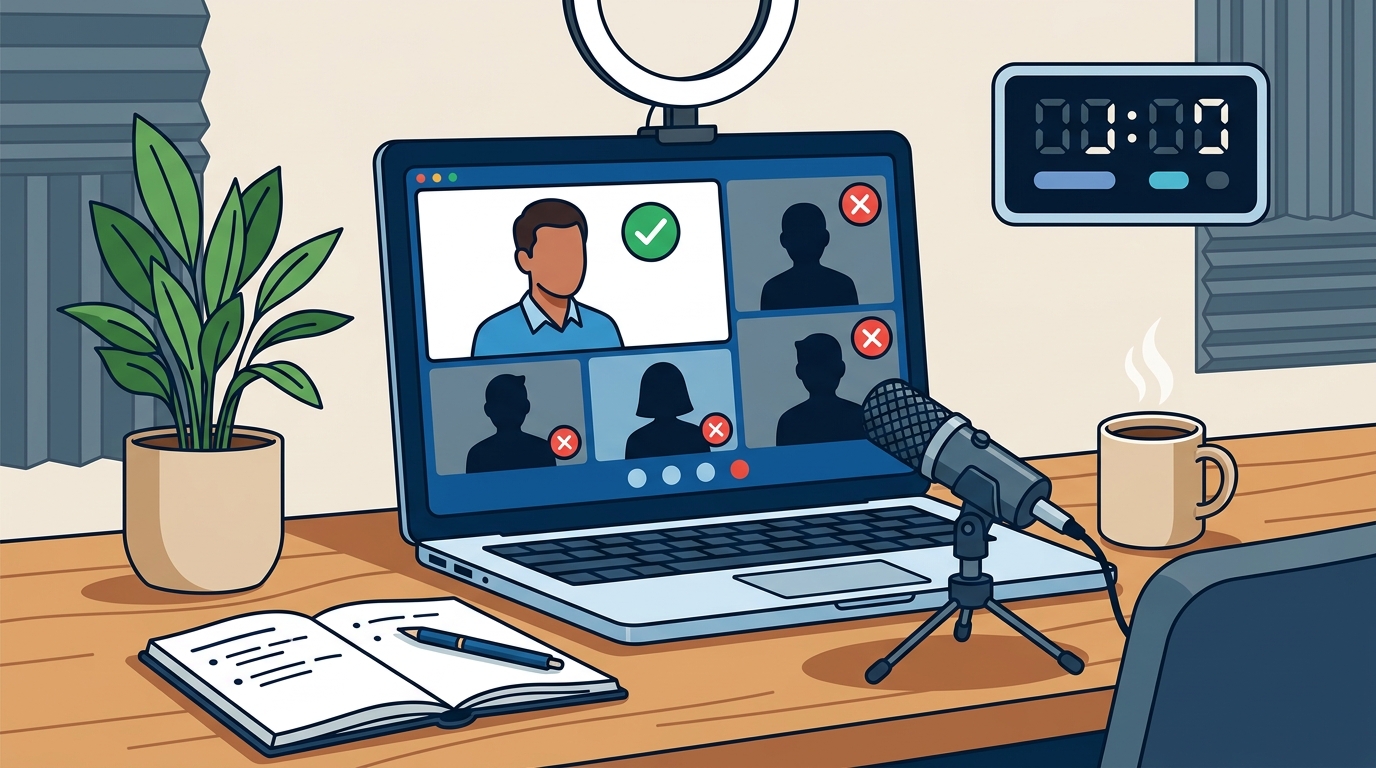
To correct this, invest in a dedicated external microphone. A simple USB condenser microphone or a high-quality headset can dramatically improve sound fidelity. Additionally, always test your lighting before going live. Face a window or use a ring light to ensure your face is evenly illuminated. Poor lighting creates shadows that obscure your facial expressions, which are vital for conveying emotion and intent. Ensure your background is tidy or use a professional virtual background that does not glitch. These technical adjustments signal respect for your audience's time and attention.
Mistake 2: Overloading Slides with Text
In a physical room, you can rely on your voice to carry the narrative. In a virtual environment, screen sharing creates a visual competition for attention. A common mistake is uploading dense, text-heavy slides that force the audience to read while listening. This cognitive overload causes viewers to tune out. Research indicates that the human brain struggles to process complex text and auditory information simultaneously. Professional communication standards advocate for visual simplicity to maintain focus.
Correct this by adopting the "less is more" philosophy. Use high-impact images, charts, or single key phrases. Your slides should support your message, not replace it. If you must include data, use clear, large fonts and minimal color palettes. Practice transitioning between slides smoothly to avoid awkward pauses. This approach keeps the audience engaged with you, the speaker, rather than scanning the screen for information. For advanced techniques on structuring your message, explore our Messaging & Structure training modules.
Mistake 3: Ignoring Audience Engagement Cues
Virtual presentations often suffer from a "one-way street" dynamic. Speakers frequently talk at the screen rather than to the people behind it. This mistake leads to passive consumption and rapid disengagement. Without interactive elements, the audience has no reason to stay alert. According to Forbes insights on digital communication, interactive elements can increase retention rates by up to 25 percent.
To fix this, integrate deliberate engagement triggers. Use polls, Q&A sessions, or breakout rooms at strategic intervals. Ask open-ended questions that require a typed response. This forces the audience to physically interact with the platform, keeping their minds active. Additionally, acknowledge participants by name when possible. This personal touch breaks the digital barrier and fosters a sense of community. If you are leading a corporate team, consider our Business Presentation Skills program to master these interactive techniques.
Mistake 4: Poor Body Language and Eye Contact
Non-verbal communication accounts for a significant portion of how your message is perceived. In virtual settings, many speakers look at their own video feed or their notes, breaking eye contact with the camera. This creates a disconnect, making you appear disinterested or unconfident. Harvard Business Review data shows that direct eye contact with the camera lens increases perceived authority and trustworthiness.
Correct this by positioning your camera at eye level. Place your notes or key points directly next to the lens. When speaking, look directly into the camera, not at the faces on the screen. This simple shift makes it appear as though you are looking at each viewer individually. Use hand gestures naturally, but keep them within the frame of the camera. Excessive movement can be distracting, while controlled gestures emphasize your key points. For personalized coaching on these nuances, consider our Public Speaking Coaching services.
Mistake 5: Lack of Clear Structure and Pacing
Virtual attention spans are shorter than in-person ones. A common mistake is launching into a presentation without a clear roadmap. Viewers need to know where you are going and why it matters to them. Without a structured narrative, the content feels disjointed and forgettable. TED Talk principles emphasize the importance of a strong opening and a clear, concise structure to maintain interest.
Start with a compelling hook or a relevant statistic. Clearly outline the three to five key points you will cover. Use transitional phrases to guide the audience through each section. Pace your speech deliberately, pausing after key points to allow for absorption. Avoid rushing through content due to nervousness. A measured pace conveys confidence and control. If you struggle with structuring high-stakes pitches, our Pitch & RFP Partnership can provide dedicated support.
Comparison of Virtual vs. In-Person Delivery Metrics
Understanding the differences between virtual and in-person delivery is crucial for adaptation. The table below summarizes key distinctions and their implications for your presentation strategy.
| Factor | In-Person Presentation | Virtual Presentation | Correction Strategy |
|---|---|---|---|
| Audience Feedback | Body language and facial expressions | Chat messages and reaction emojis | Monitor chat actively and respond verbally |
| Attention Span | 20-30 minutes (average) | 10-15 minutes (average) | Break content into shorter segments |
| Visual Aids | Projected slides, physical props | Screen shared slides, digital whiteboards | Use high-contrast visuals and minimal text |
| Interaction | Spontaneous Q&A, movement | Structured polls, breakout rooms | Plan interactive moments in advance |
| Technical Risk | Low (AV is usually handled) | High (connectivity, audio issues) | Test all equipment and have a backup plan |
Key Takeaways
- Audio is paramount: Invest in external microphones to ensure clarity and eliminate background noise.
- Visual simplicity wins: Reduce text on slides and use high-impact visuals to prevent cognitive overload.
- Engage actively: Use polls, Q&A, and name acknowledgments to keep the audience involved.
- Master eye contact: Look into the camera lens, not at your own video feed, to build trust.
- Structure for brevity: Break content into shorter segments with clear transitions to maintain attention.
- Test technology: Always conduct a full technical rehearsal before going live to avoid glitches.
- Practice delivery: Use our Presentation Skills Training to refine your virtual presence.
Frequently Asked Questions
How can I improve my virtual presentation confidence?
Confidence comes from preparation and practice. Rehearse your presentation multiple times, ideally in front of a mirror or with a colleague. Focus on your breathing and pacing. Our Ultimate Communicator Program offers immersive training to build lasting confidence.
What is the ideal length for a virtual presentation?
Research suggests that virtual attention spans drop significantly after 15 to 20 minutes. It is best to keep presentations under 30 minutes, including Q&A. Break longer topics into multiple sessions or use interactive elements to sustain interest.
How do I handle technical difficulties during a live presentation?
Stay calm and have a backup plan. If your audio fails, switch to a phone dial-in. If your video freezes, continue speaking and ask the host to check the connection. Acknowledge the issue briefly and move on. Our Presentation Performance Lab teaches crisis management for high-stakes moments.
What are the best tools for virtual audience engagement?
Effective tools include live polls (Mentimeter, Slido), breakout rooms (Zoom, Teams), and digital whiteboards (Miro, Mural). Choose tools that are easy for your audience to access without complex downloads.
How can I make my virtual slides more effective?
Use large fonts, high-contrast colors, and minimal text. Replace bullet points with images or diagrams. Ensure your slides are legible on small screens. Explore our Presentation Tools for recommended software and templates.
Is it better to stand or sit during a virtual presentation?
Standing often provides more energy and better breath control. However, sitting can be more comfortable for longer sessions. The key is to maintain good posture and avoid slouching. Experiment to see what feels most natural for you.
How do I build rapport with a remote audience?
Start with a personal story or a relevant icebreaker. Use the audience's names during the session. Show genuine interest in their responses. Our Leadership Training includes modules on building remote team rapport.
Book Your Virtual Presentation Training
Mastering virtual presentations is no longer optional; it is a core professional competency. Whether you are a C-suite executive, a sales leader, or an individual contributor, the ability to communicate effectively online can accelerate your career. At Effective Presentations, we provide tailored training to help you overcome these common mistakes and deliver with impact. Join the 1,200+ clients who have transformed their communication skills. Contact us today to schedule a free consultation and start your journey to confident virtual presenting.